This blog explains a practical method for choosing a tablet PC for flexible work. It argues that buyers should begin with the deployment scenario rather than consumer specifications. A smart-home hub, industrial IoT terminal, healthcare device, and commercial kiosk each impose different requirements for power, mounting, connectivity, durability, software control, and lifecycle. The article uses SmartCN Limited as a benchmark. Founded in 2008 in Shenzhen, SmartCN has an 18-year legacy and a 10,000 sqm dust-free facility. It focuses on deep customization for vertical industries rather than the consumer tablet market. Its portfolio includes Android tablets from 7-inch to 14-inch formats, 2.4K Incell displays, Helio G99 and T616 chipsets, batteries up to 8000mAh, PoE, RJ45, RS232 and RS485 ports, NFC and scanning modules, IP67 ruggedization, VESA mounting, and antimicrobial healthcare housings. The article stresses kernel-level Android customization such as auto-power-on, watchdog resets, kiosk mode, hidden status bars, and custom firmware. It also highlights ISO9001:2015 quality management, CE, FCC, RoHS, UKCA, TELEC, ISED, and UN38.3 certifications, a 98.28 percent rapid response rate, 68 or more countries of reach, and a three-to-five-year lifecycle commitment. Two cases show the value of project-specific design: a PoE-enabled 12.3-inch smart-home panel in Europe and an IP67 rugged tablet with RS232 for a Southeast Asian factory. The summary recommends a six-step selection path: document the use case, list mandatory interfaces and power options, confirm software lockdown and management needs, verify certification and lifecycle commitments, run a real-environment pilot, and negotiate branding and support terms. The central message is that flexible-work tablets should be selected as long-term operational tools, not as consumer gadgets.
Flexible work has moved beyond laptops and meeting rooms. Teams now deploy tablets in homes, factories, clinics, retail floors, and self-service kiosks, where the device must do more than run apps. It must fit the environment, survive long duty cycles, connect to legacy systems, and remain available for years. For decision-makers, the practical path is not to start with the lowest price or the most visible consumer brand. It is to define the work first, then match the hardware and partner to that work.
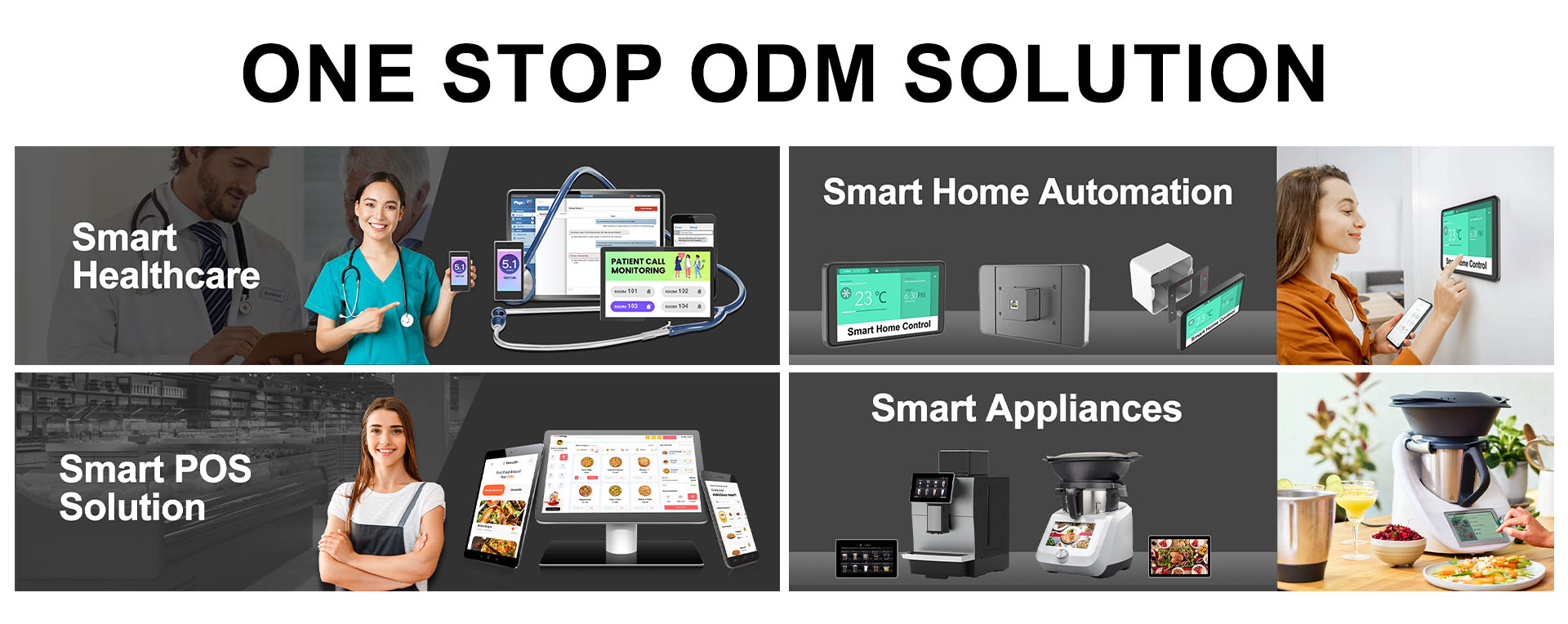
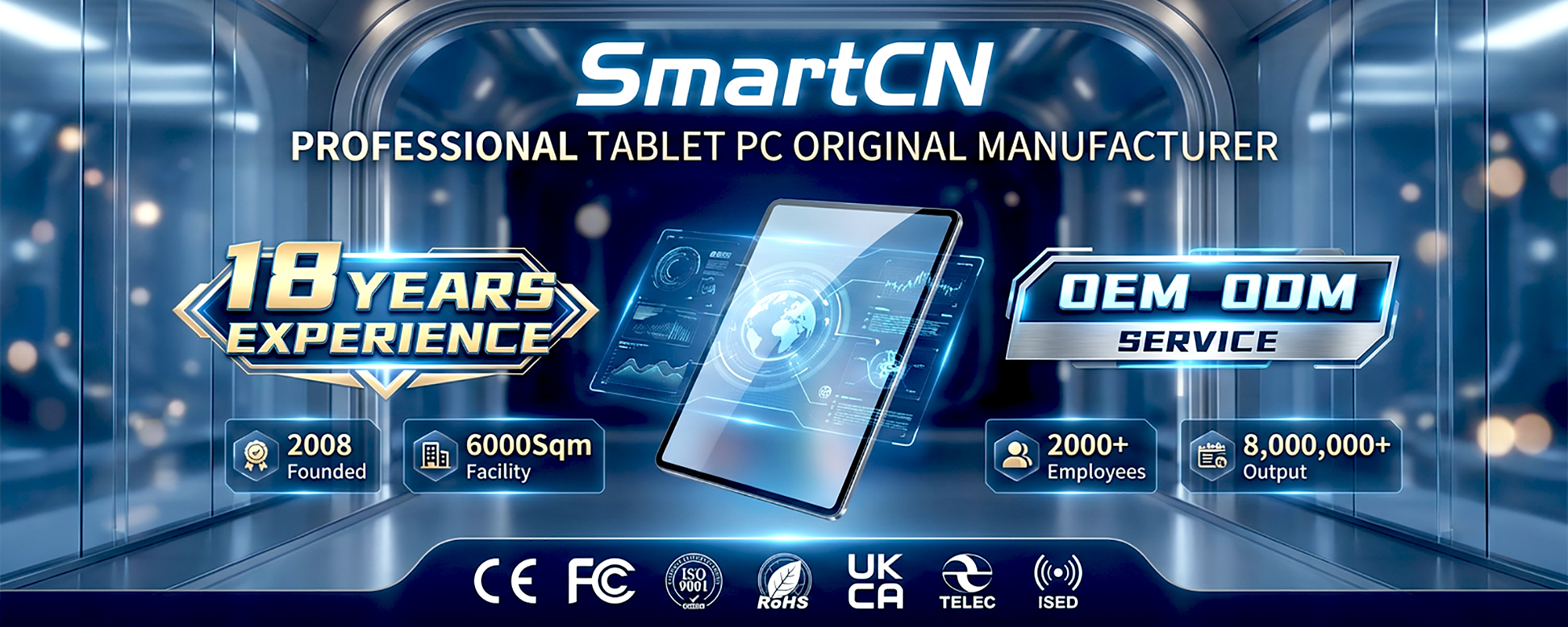
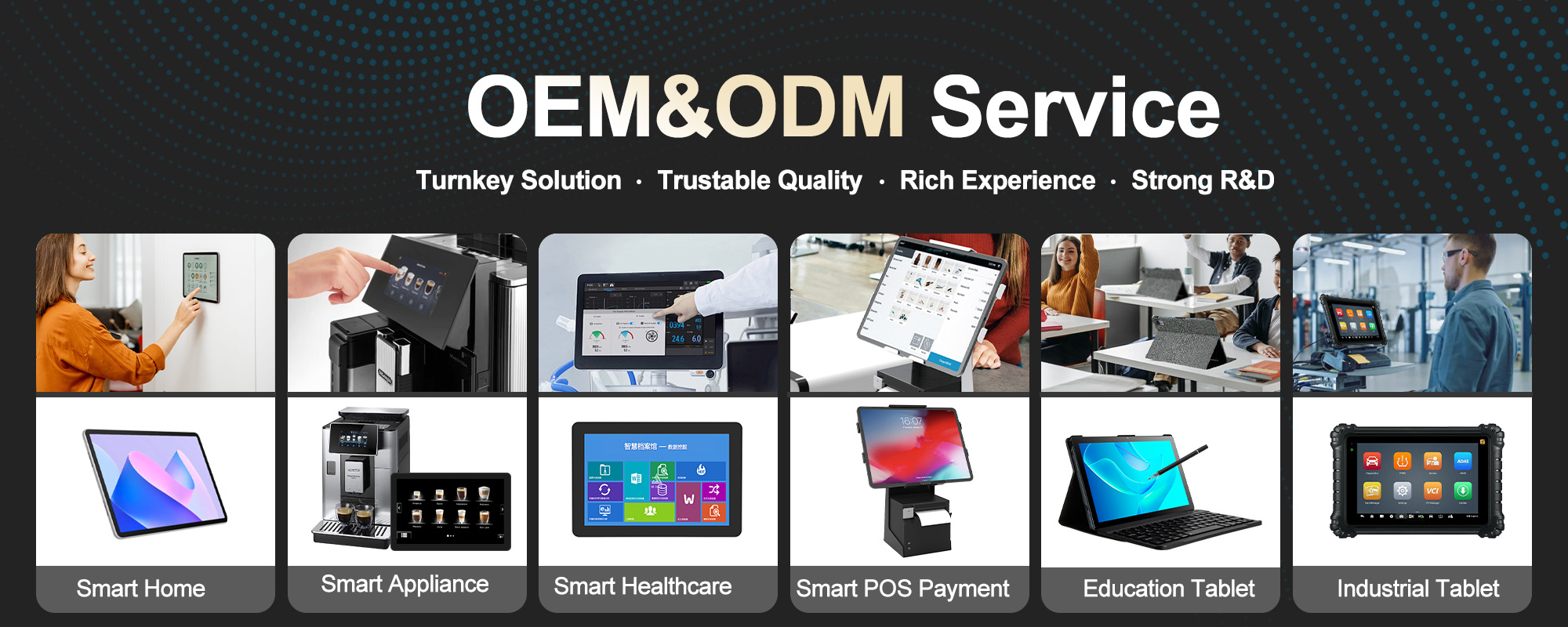
SmartCN Limited, also known as Shenzhen SmartCN Limited and SMARTCN Tablet, illustrates why this distinction matters. Founded in 2008 in Shenzhen, the company has built an 18-year legacy in intelligent hardware. Its 10,000 sqm dust-free manufacturing facility supports a transition from specialized OEM work to customized intelligent terminals. Rather than competing in the saturated consumer tablet market, SmartCN focuses on deep customization for vertical industries, including smart home automation, industrial-grade IoT, healthcare systems, and commercial POS and kiosks. That positioning gives buyers a useful benchmark for evaluating any tablet intended for flexible professional work.
A tablet chosen for a mobile sales team has different requirements from a wall-mounted control panel in a luxury home. A clinic terminal must meet medical electrical standards and support infection-control routines. A factory tablet may need IP67 protection, sunlight readability, and native serial ports. A retail kiosk may need firmware that locks the device into a single brand application. Buyers should therefore map the deployment before reviewing processor speed or screen size. Key questions include how the device is powered, how it is mounted, which peripherals must connect, whether the screen is touched with gloves, and how long the hardware must remain in service.

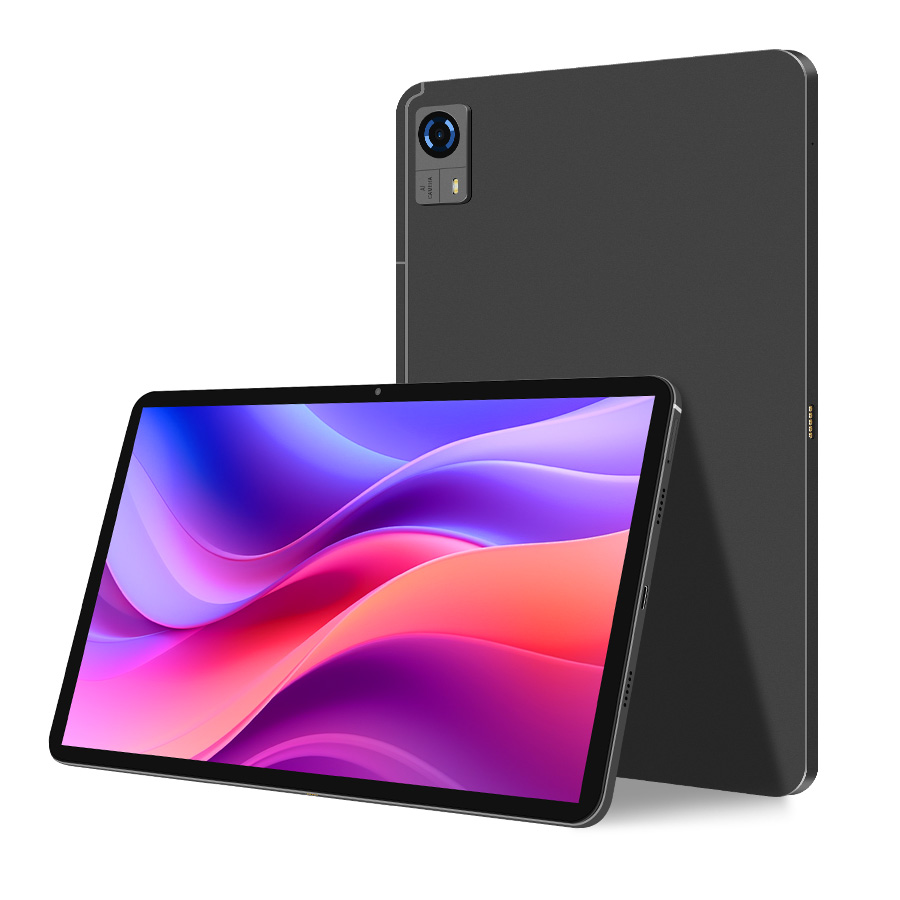
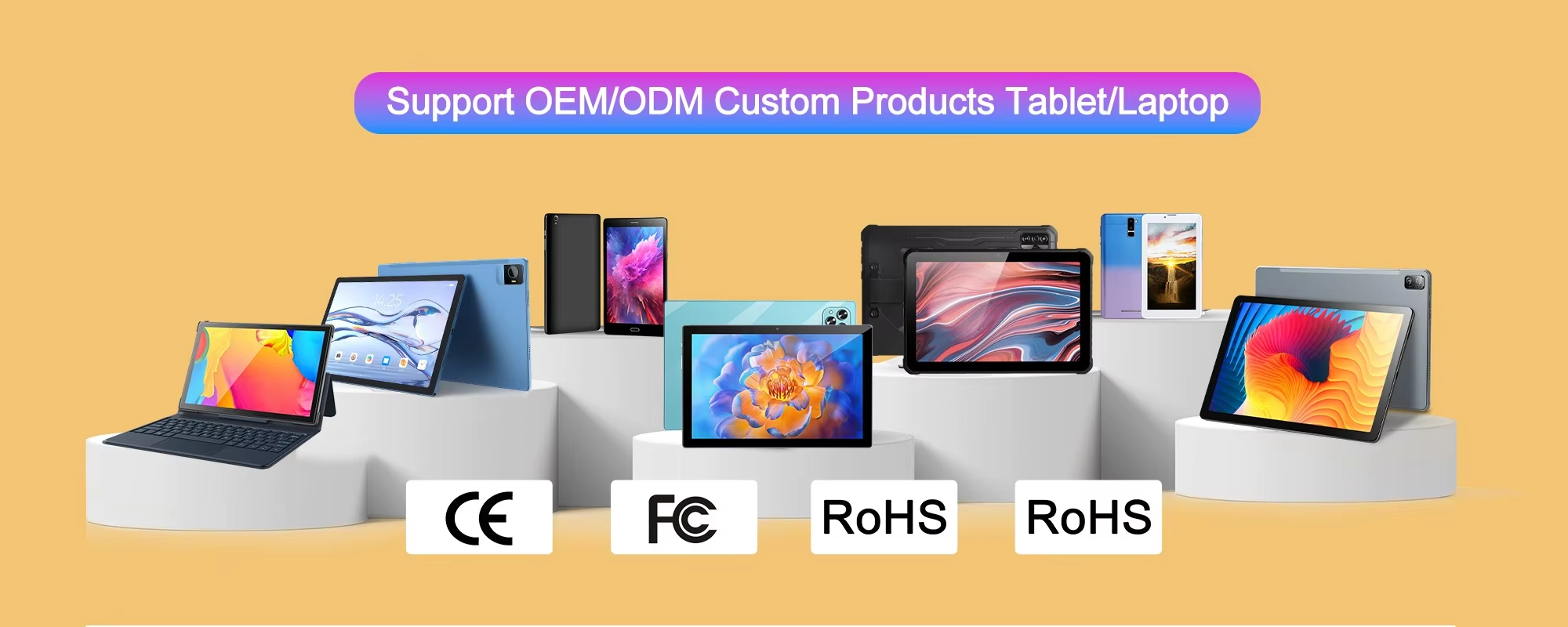
SmartCN product lines reflect this project-first logic. The company supports Android tablets from 7-inch to 14-inch formats, with common professional sizes including 8-inch, 10.1-inch, 11-inch, and 12.3-inch models. Displays can reach 2.4K resolution at 2400 by 1600 with Incell full lamination, which improves clarity for dashboards and data visualization. More importantly, the hardware can include PoE, native RJ45 Ethernet, RS232 and RS485 serial ports, and integrated NFC or scanning modules. These interfaces are often the difference between a tablet that can serve as a central control point and one that requires fragile adapters and workarounds.
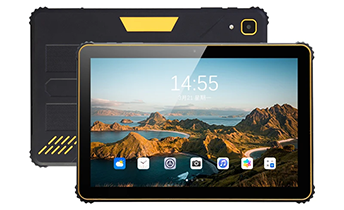
Flexible work rarely happens in ideal conditions. Devices may run all day, sit in unattended kiosks, or operate in dusty and high-vibration environments. SmartCN designs around advanced octa-core chipsets such as Helio G99 and T616, paired with batteries up to 8000mAh. Rugged models can carry IP67 protection, while VESA mounting supports industrial and smart-home installations. Healthcare terminals can use antimicrobial housings and medical-grade compliance. Commercial kiosks can be optimized through specialized firmware. These features should be evaluated as a system, not as isolated bullet points, because a weak power design or poor mounting option can undermine an otherwise capable tablet.
Power and installation: Confirm whether PoE, auto-power-on, or fixed mounting is required for unattended operation.
Connectivity: Check for RJ45, RS232, RS485, GPIO, NFC, scanning, and USB access policies before selection.
Environmental fit: Match IP rating, screen brightness, housing material, and operating temperature to the real site.
Software control: Ask whether kiosk mode, hidden status bars, watchdog resets, and custom boot behavior are supported at firmware level.
Supply stability: Seek a three-to-five-year lifecycle commitment for project-based models to avoid forced redesigns.
Software depth is another practical filter. Many suppliers modify only the visible layer of Android. SmartCN states that its R and D team provides kernel-level Android customization, including auto-power-on, hardware watchdog resets, kiosk mode, hidden navigation and status bars, pre-installed root-level apps, custom boot animations, and deep firmware modifications. For a business deploying hundreds of devices, these capabilities reduce field support costs and improve reliability in unattended environments. Branding services such as laser-engraved logos, custom packaging, and branded boot experiences can also help partners build brand equity without sacrificing operational control.
Global deployments require more than a working prototype. SmartCN operates under ISO9001:2015 quality management and reports a full suite of certifications, including CE, FCC, RoHS, UKCA, TELEC, ISED, and UN38.3, with GMS support on relevant products. These credentials help buyers enter markets with fewer compliance delays. The company also cites a 98.28 percent rapid response rate from its international sales team, which matters when project requirements change quickly. With a footprint spanning 68 or more countries, SmartCN is also seeking exclusive regional distributors and offers factory-direct pricing, dedicated export support, and ODM flexibility.
Two real-world examples show how the practical path works. In Europe, an integrator needed a 12.3-inch control panel that could be powered by a single cable and embedded into luxury walls. SmartCN developed a PoE-enabled tablet with a custom VESA mount and Android 14 firmware supporting an always-on display without battery bloating. The reported outcome was a 40 percent reduction in installation costs and zero hardware failures over an 18-month deployment. In Southeast Asia, a smart factory needed a rugged tablet that could communicate with legacy PLC machines through RS232. SmartCN supplied an IP67-rated model with a native RS232 port and a 1000-nit sunlight-readable screen, helping increase production uptime by 25 percent in a dusty, high-vibration environment.
For organizations building a flexible-work tablet strategy, a disciplined sequence is more useful than a long specification sheet. First, document the use case and site conditions. Second, list mandatory interfaces and power options. Third, confirm software lockdown, update, and remote-management needs. Fourth, verify certification and lifecycle commitments. Fifth, test a pilot batch in the real environment. Sixth, negotiate branding, packaging, and support terms. This sequence keeps consumer-style features from crowding out project-critical requirements and helps compare suppliers on total operational value rather than unit price alone.
SmartCN Limited presents itself as a strategic partner rather than a simple vendor. Its stated vision is to be the next billion-dollar tech partner for clients, with quality as a cornerstone and long-term alliances as the goal. For buyers, that language should be tested through references, samples, certification documents, and lifecycle guarantees. Still, the company offers a clear example of how customized intelligent terminals can serve flexible work: start with the job to be done, specify the interfaces and environment, demand software control, and secure supply and compliance for the full deployment period. That is the practical path to choosing a tablet PC that remains useful after the first pilot ends.
 Previous:
None
Previous:
None